Includes: how to stop telling the agent the same thing
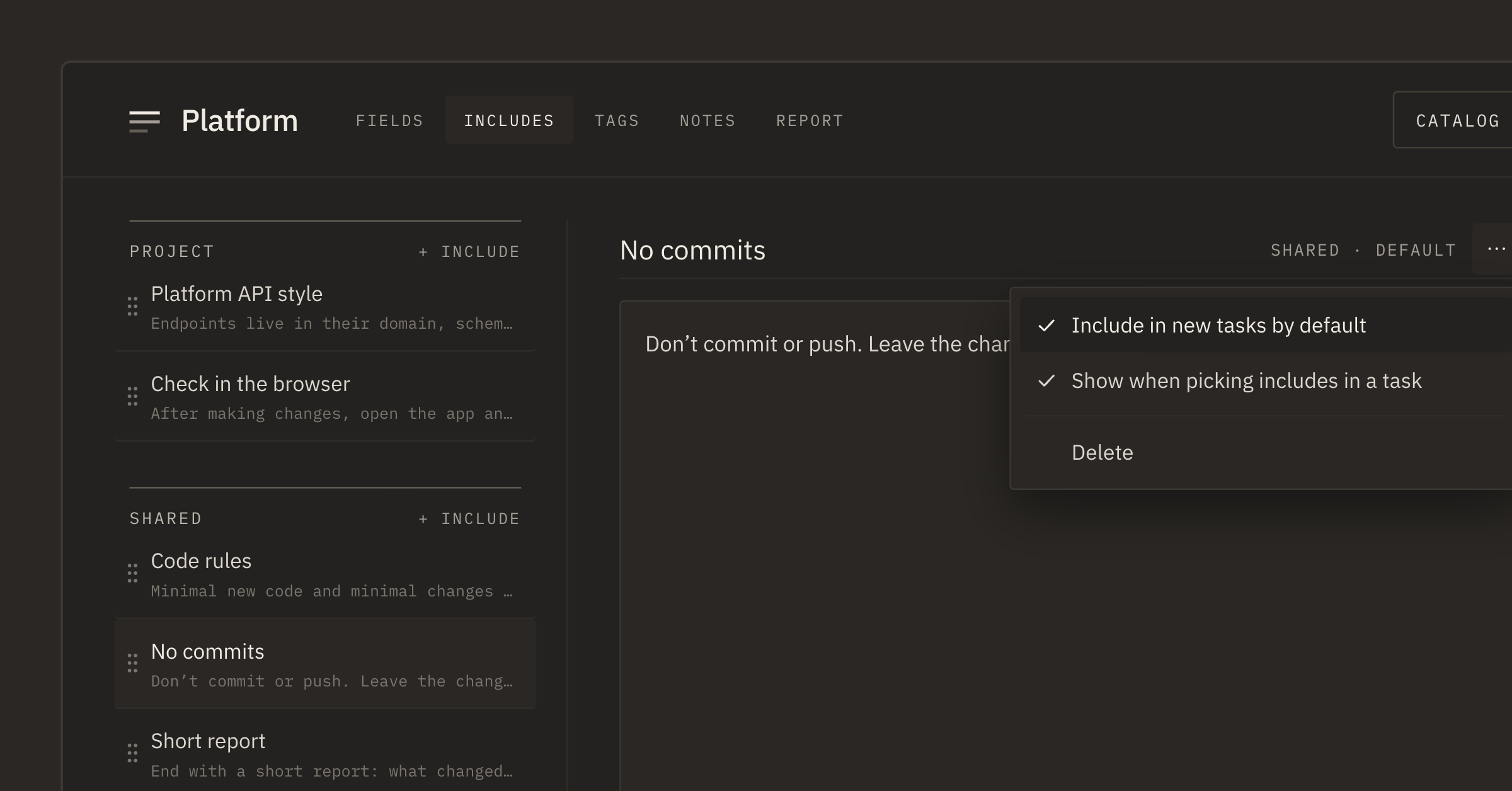
Anyone who has worked with an AI agent for a while knows these lines by heart. "Don't commit." "Reproduce the bug first." "At the end, briefly say what you changed." We wrote them in every prompt, and sometimes forgot one.
The commits
It happened to us on the avatar upload task. We wrote the prompt in a hurry, between two calls, and didn't add the last line: "don't commit, I'll review it myself".
The agent did everything well. Then, like a tidy developer, it committed the result in three commits. One of them also reformatted a neighbouring file. The evening went into sorting it all out and getting the changes back into the working copy.
Nobody had told it not to commit.
Write it once
An include in Tascue is a piece of text you write once on the Includes tab. In a task you check the ones you need, and when you copy the task they go to the end of the prompt, each after a --- separator.
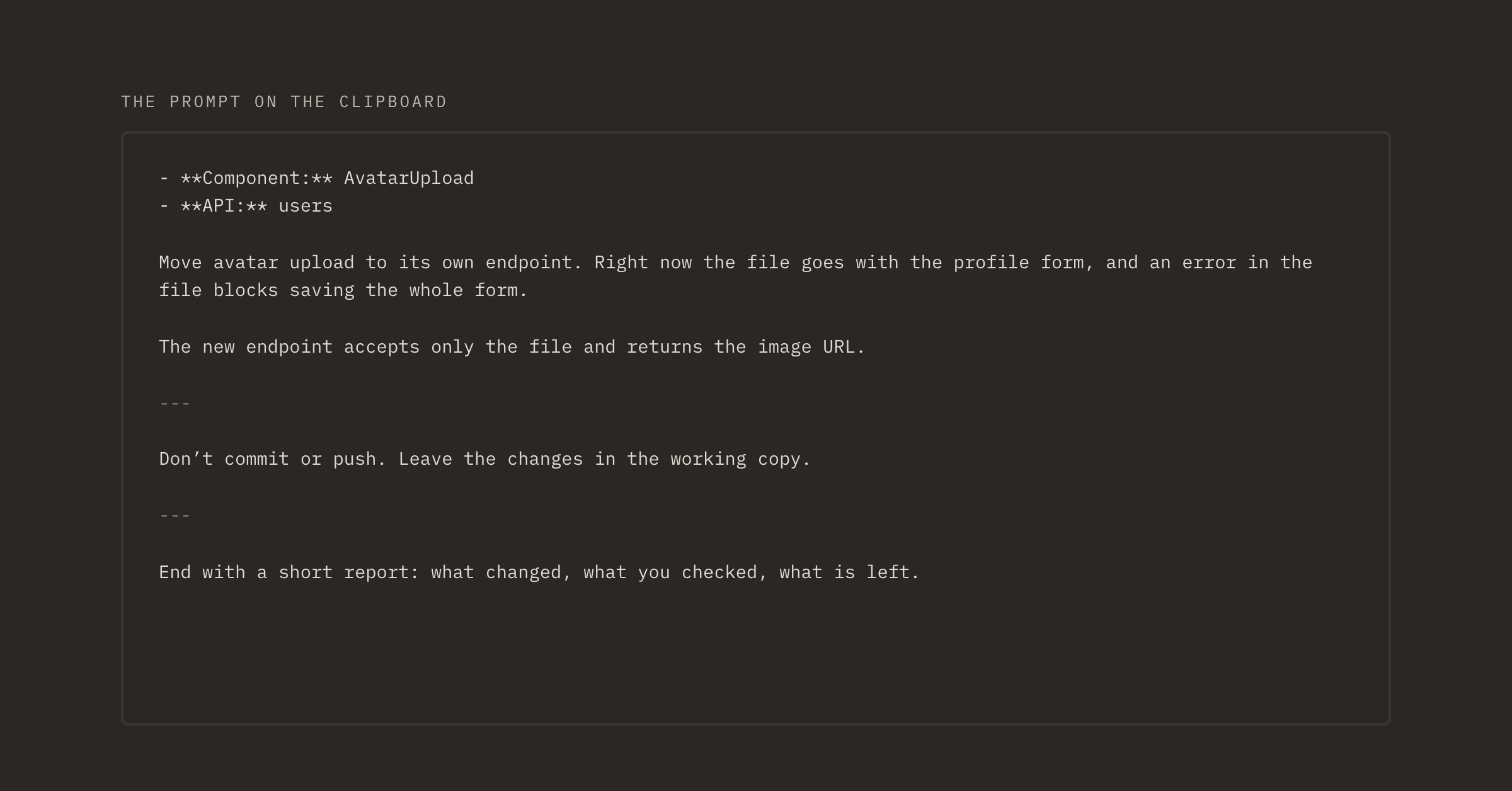
Our first one was "No commits": "Don't commit or push. Leave the changes in the working copy." We made it shared, so it's in every project, and in the "⋯" menu turned on "Include in new tasks by default". Now it's checked in every new task. If a task does need a commit, the checkbox can be cleared.
How includes appear
We didn't write the list of rules in advance. Includes appeared one at a time, after specific cases.
"Short report" came after the agent retold every step it took over three screens, and the list of changed files got lost in the middle. "Check in the browser" came after a confident "done" from the agent, when the page didn't open because of a typo in a template.
We save a text as an include when we write it to the agent for the second time. That way the list only holds what actually repeats.
One more benefit: when you switch agents, you don't have to explain the rules again, they go at the end of every prompt just the same.
Two or three per task
Check eight includes on a short task and the task itself gets lost among them. So we check two or three: "No commits" by default and whatever this task needs. Rarely used includes we hide: the "⋯" menu has "Show when picking includes in a task".
If you don't have includes of your own yet, look at the Catalog on the Includes tab: ready texts grouped as "Before you start", "Code", "Verification", "Git and deploy" and others. Any of them can be copied with "Copy to project" or "Copy to shared".
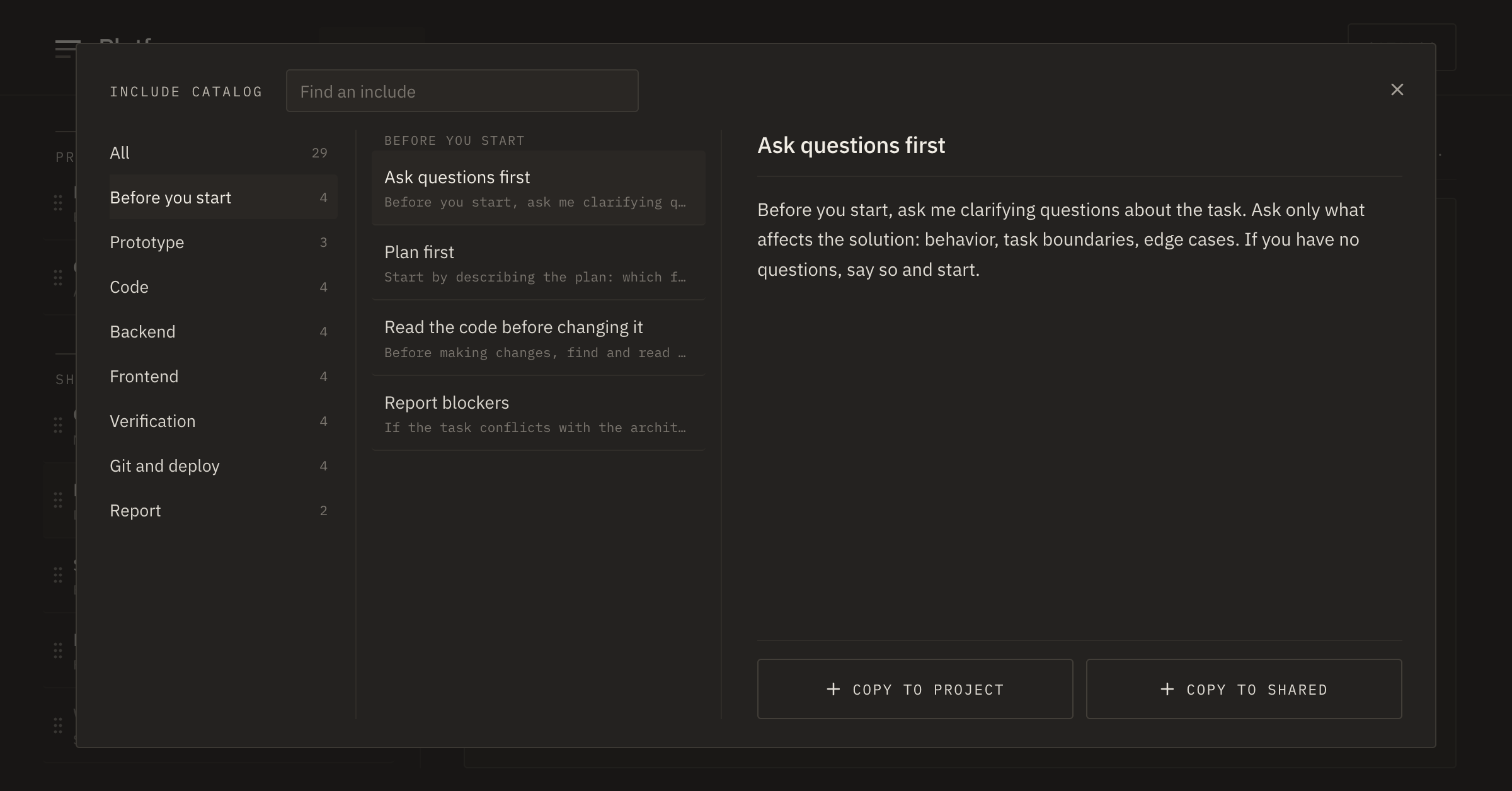
A copied text can then be adjusted to your project.