What is Tascue: a task board for AI agents
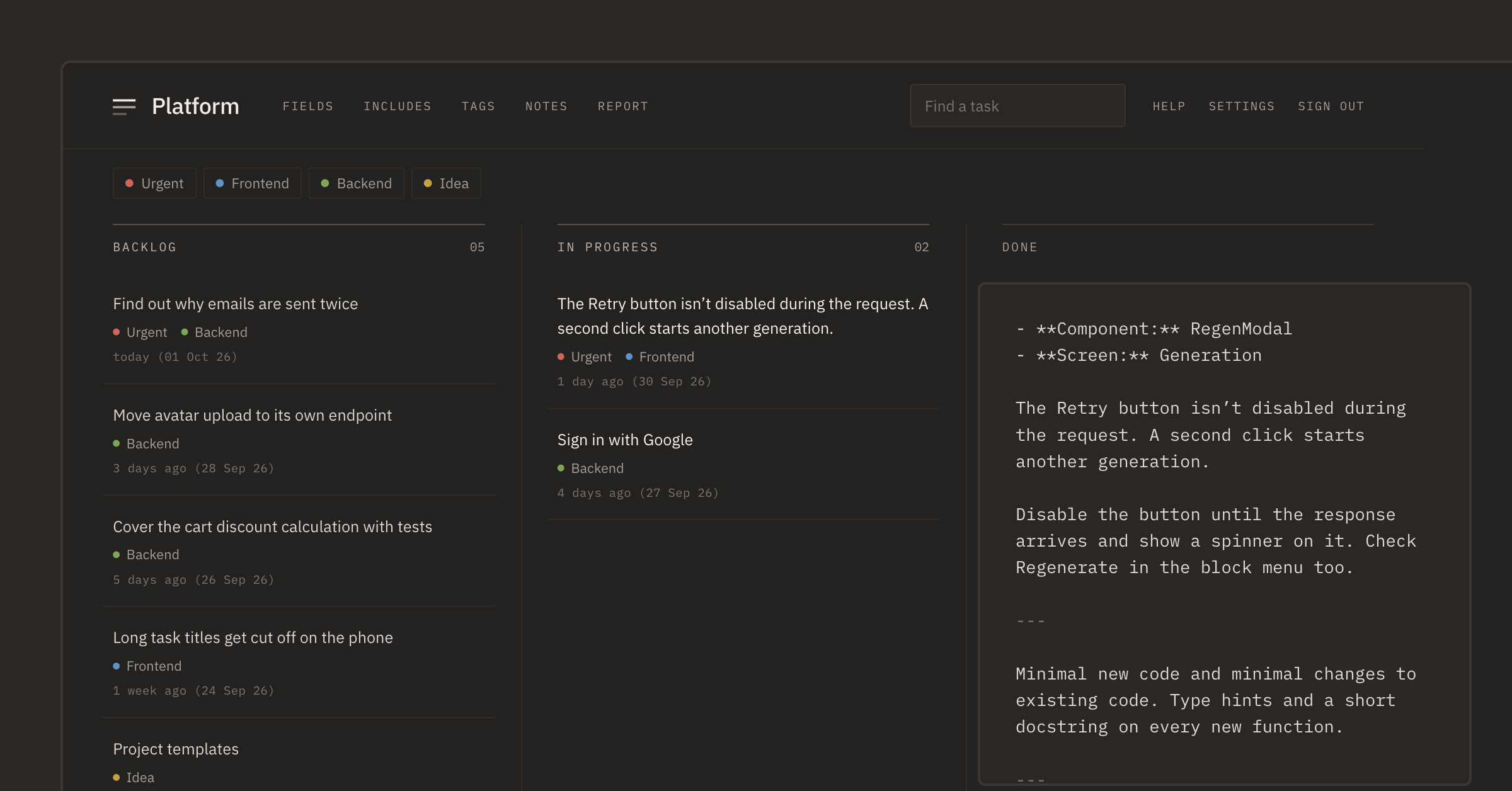
While an AI agent works on one task, three more usually turn up. You notice a form behaving oddly, remember a missing test, stumble on an old piece of code that should have been simplified long ago. You can't hand any of it to the agent right away — it's busy. And if you don't write it down, half an hour later all that's left is a vague feeling that there was some idea.
For a while we kept these thoughts wherever we could: in notes, in todo.md, in messages to ourselves. Then the agent would finish, and the same routine started: find what it was, recall the details and rush out a prompt while the agent sat idle. Tascue started as a place where the agent's next task waits its turn and has time to become a proper prompt.
A person will ask, an agent won't
If you give a colleague a one-line task, they'll most likely figure it out: they know the project, remember past discussions and, if needed, will come over and ask. An agent has only the text you gave it. It needs to know where to look, what the result should be, what not to touch and how to check the work.
Writing all of that the moment a thought comes up is no fun, and you don't have to. First, don't lose the thought. You can flesh it out later, when you have a minute. So a task for an agent lives in two stages: first a note, then a prompt. Tascue is built around that.
How a task reaches the agent
Take an ordinary small thing: you notice that the “Retry” button isn't disabled while a request is running. You put it in the backlog as one line and go back to what you were doing.
Later in the day you open the task and add what happened and what should happen instead. You don't have to explain the same things to the agent every time. You pick the screen with the bug in a field, and it goes at the start of the prompt. Includes are added at the end — instructions you've already written once: reproduce the bug first, don't touch unrelated files, run the tests.
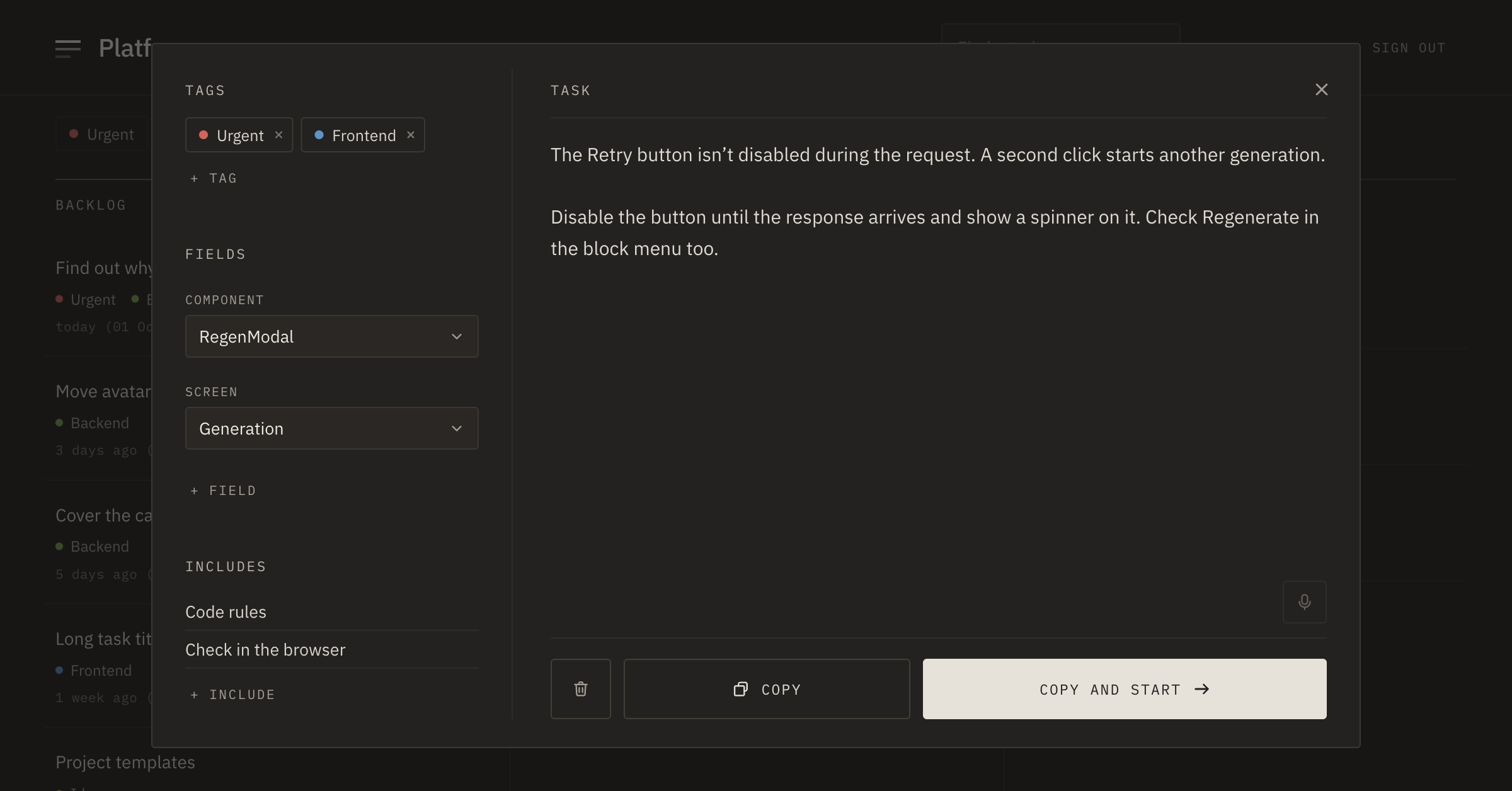
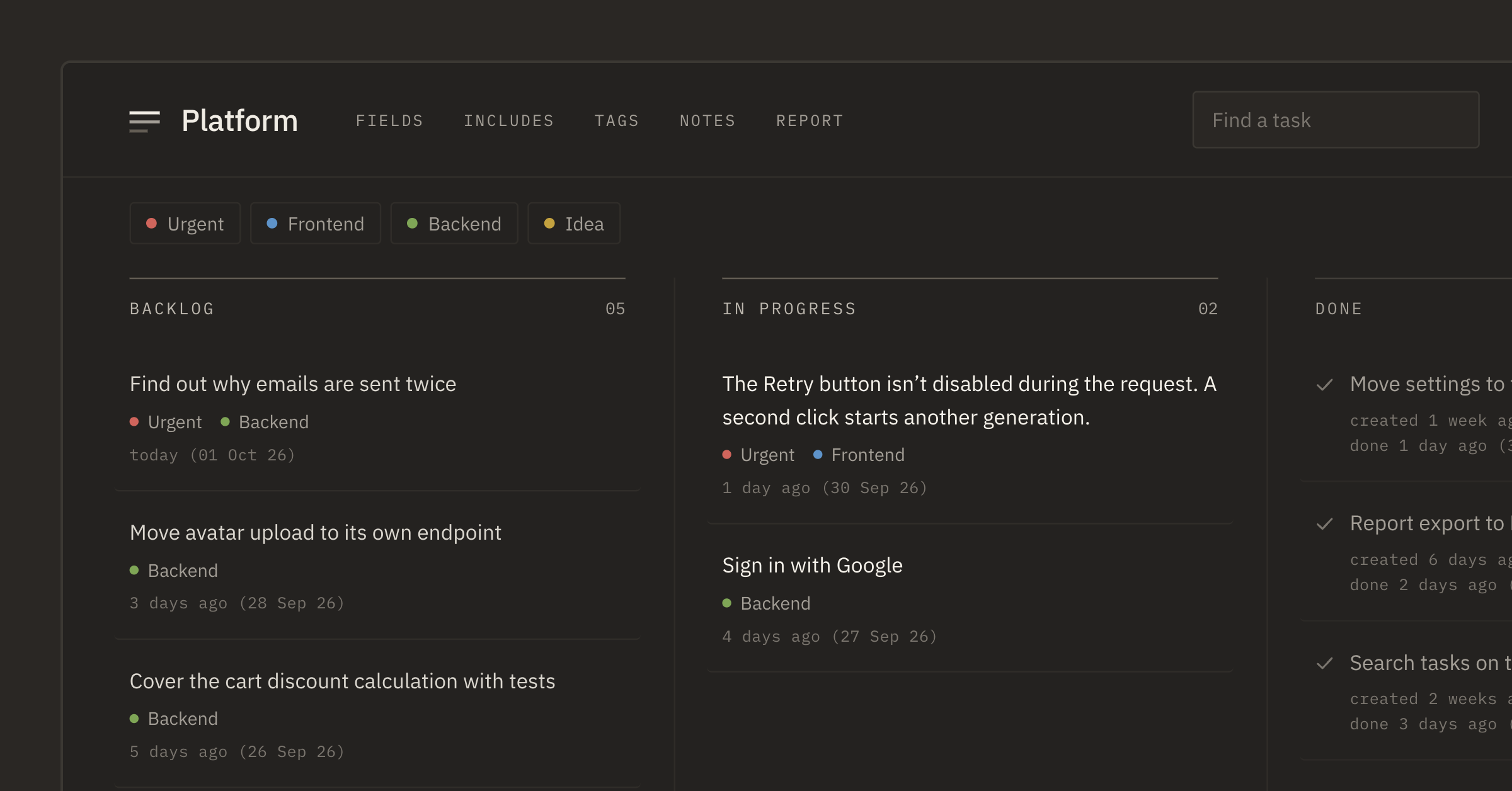
When the agent has finished its previous job, you press “Copy and start”. The prompt is assembled and on your clipboard, and the task has moved to “In progress”. All that's left is to paste it into Claude Code, Codex, Cursor or wherever you prefer.
Why the clipboard
We could have launched agents right from Tascue, but decided not to. Agents change fast, each has its own settings and its own access to the project, and many people use several at once. The clipboard works with any of them. And you always see exactly what text you're sending.
If you want the agent to take tasks from the board and mark finished work on its own, PRO has MCP for that. But you don't need to start with it — the main workflow works without it.
Who needs this
If you ask an agent one question once a month, you probably don't need a separate board. But once the agent becomes an everyday work tool, a new job appears: keeping the next clear task ready for it. Especially when there are two or three agents and they finish faster than you can come up with something for them to do.
If you used to keep tasks in Trello and wonder whether you need one more board, we compared the two in a separate post.
Where to start
Create one project and move in the tasks you're currently keeping in your head. Take the top one and add what the result should be and how to check it. When you catch yourself writing the same instruction a second time, save it as an include.
From there it's one loop: write it down, flesh it out, hand it to the agent, check the result.