How to write a task for an AI coding agent so the result is right
The task "Move the settings to the new form" looks clear. The agent moves every tab, the tests pass. And along the way it reorders the fields on the "Account" tab, because that's more logical, and removes the old hint under the password.
None of this is a mistake. The agent did reasonable work, just not the work that was expected. The expectation was that nothing would change for the user. But that lived only in the head of whoever wrote the task.
Three things an agent won't guess
An agent is good at working out how to do something. It's worse at guessing what exactly should come out and where to stop. So a task benefits from answering three questions:
- what should come out — how it will look or work when it's done;
- what not to touch — what the agent might take for an improvement that isn't wanted right now;
- how to check — what will show that everything is fine.
The same task with expectations:
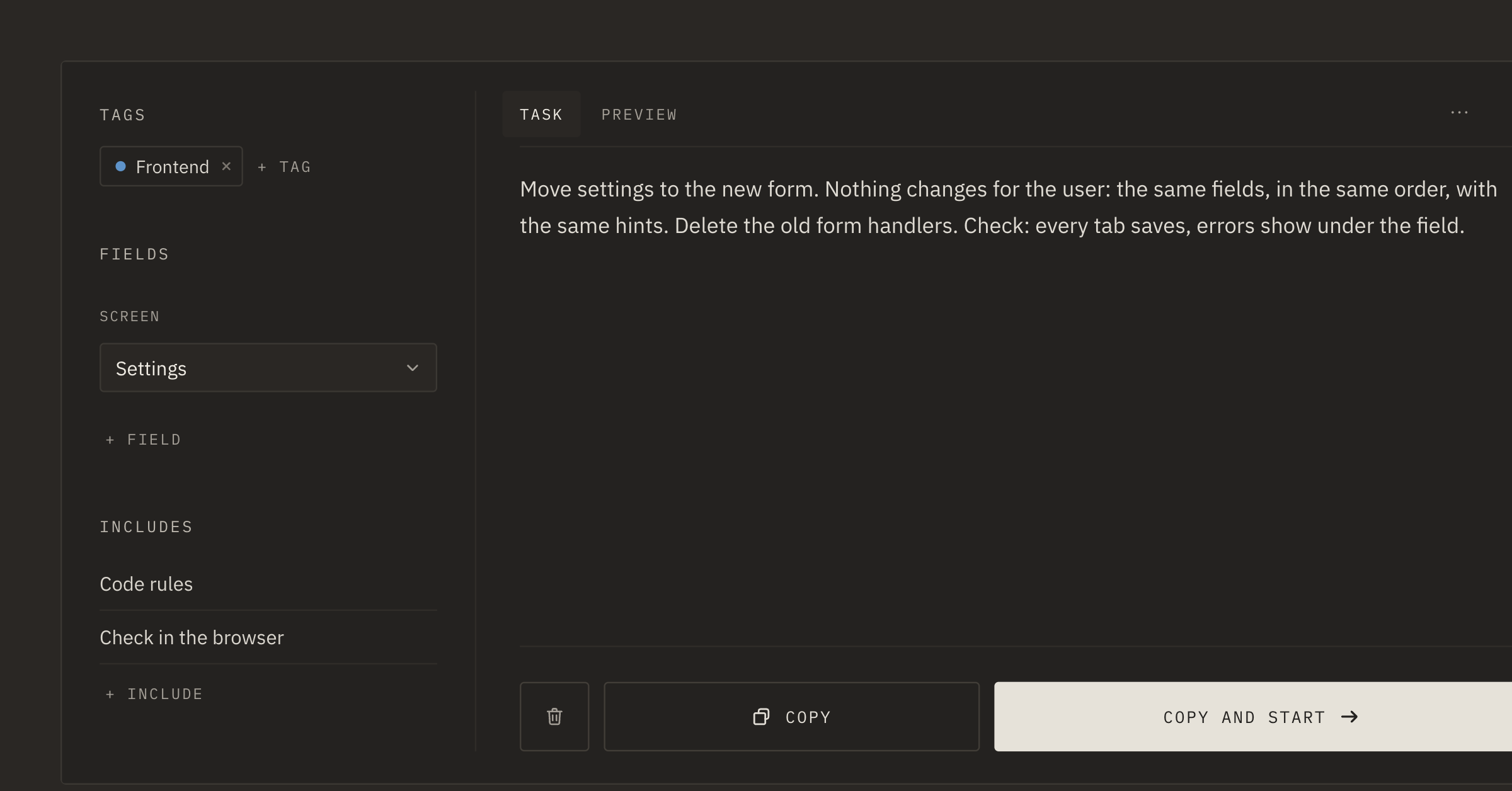
Move the settings to the new form. Nothing changes for the user: the same fields, in the same order, with the same hints. Remove the old form handlers. Check: every tab saves, errors show under the field.
Four sentences instead of one. Writing them takes a couple of minutes. Figuring out afterwards which of the changes were needed usually takes longer.
Where expectations live in Tascue
Some expectations are the same in almost every task: "minimum new code", "leave the changes in the working copy", "at the end, briefly write what was done and what wasn't". There's no need to write them each time. These are includes: written once, they go to the end of the prompt on their own.
Where to look is what fields are for. "Screen: Settings", and the agent starts in the right place instead of searching the whole project.
The task text keeps what belongs only to this task: the result, the limits and the check. Before handing the task over, you can open "Preview" and read the whole prompt the way the agent will see it.
When the result is still off
Sometimes expectations don't match even with a detailed task. Then it's easier to add the correction to the task itself, not only to the chat with the agent. The task goes back to "In progress", and on the next run the agent reads all of it, correction included.
This way expectations stay next to the task. A month later it shows not only what was done, but also what was expected.